FF Kipas is primarily designed for Android devices, where system-level performance optimization is possible without modifying Free Fire game files. Most users who report noticeable performance improvements with FF Kipas are Android players using low-end or mid-range smartphones.
This page explains how FF Kipas behaves on Android, which devices benefit the most, how different Android versions affect performance, and what limitations Android users must understand before using it.
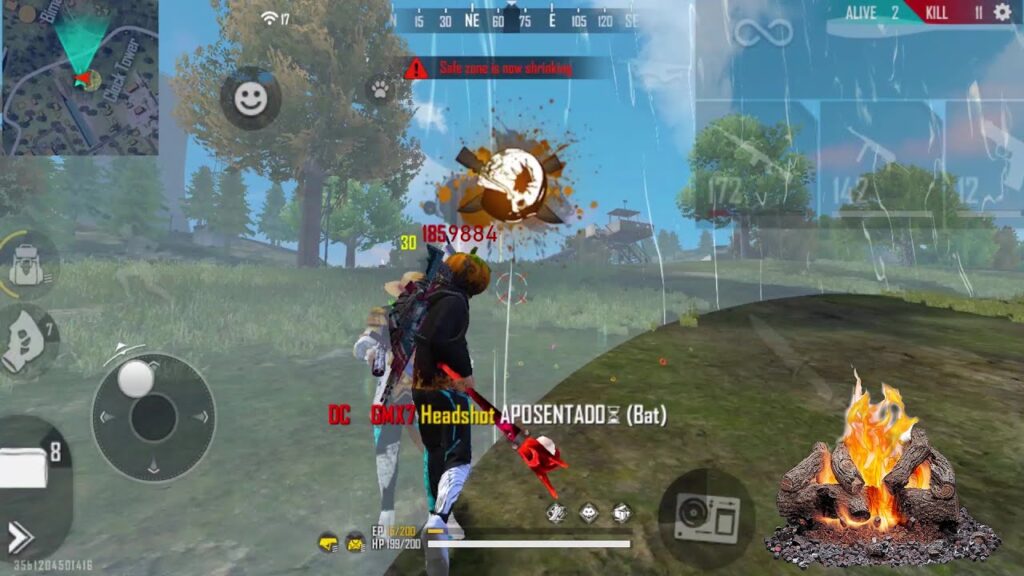
How FF Kipas Works on Android Devices
Android allows third-party applications to manage background processes and system priorities more flexibly than iOS. FF Kipas uses this capability to optimize how system resources are allocated while Free Fire is running.
On Android, FF Kipas works by temporarily reducing interference from background applications and helping the system prioritize Free Fire during active gameplay sessions.
Key effects on Android include:
- Reduced RAM pressure caused by background apps
- More stable FPS during extended matches
- Improved consistency in touch response
FF Kipas does not require root access and does not modify system or game files.
Android Version Compatibility and Behavior
FF Kipas performance varies depending on the Android version due to differences in background process management and battery optimization rules.
Android 7 to Android 9
These versions typically show the best results. Background processes are less restricted, allowing FF Kipas to manage system resources more effectively.
Android 10 to Android 12
Performance improvements may still occur, but aggressive background and battery restrictions can reduce effectiveness unless optimization settings are adjusted manually.
Android 13 and Above
Newer Android versions apply stricter process controls. FF Kipas may still help in some cases, but results are less consistent due to system-level limitations.
Android Device Requirements
FF Kipas works best when the device meets these conditions:
- Android 7.0 or higher
- Minimum 2 GB RAM (4 GB or more recommended)
- Stable processor suitable for gaming
- Free Fire installed from an official source
Low-end devices benefit most when lag is caused by background app overload, not weak hardware.
When FF Kipas Helps – and When It Does Not
FF Kipas can improve performance when:
- Lag is caused by background apps
- RAM is insufficient due to multitasking
- FPS drops occur during long sessions
FF Kipas will not help when:
- Internet connection is unstable
- Free Fire servers are overloaded
- Device hardware is extremely weak
- The device is overheating due to physical limits
Understanding this distinction prevents unrealistic expectations.
Common Android Issues and Fixes
Some Android users report limited or no improvement due to system restrictions.
Typical causes include:
- Aggressive battery optimization settings
- Restricted background activity
- Heavy system UI overlays
- Multiple booster apps running together
Disabling battery optimization for FF Kipas and avoiding other optimization apps can improve stability.
Android vs Other Platforms
Android remains the most functional platform for FF Kipas due to system flexibility.
Users looking for platform differences can also read about:
- FF Kipas on iOS (limited system access)
- Using FF Kipas on PC through an emulator
These environments behave differently and offer varying levels of effectiveness.
Where to Get FF Kipas for Android
To avoid modified or unsafe versions, FF Kipas should always be accessed from the official source.
➡️ Visit the FF Kipas official homepage to access the latest Android version and full platform guidance.
FF Kipas Android FAQs
Does FF Kipas work on all Android phones?
FF Kipas works best on Android devices running Android 7.0 or higher with sufficient RAM. Devices with very weak hardware may see limited improvement.
Does FF Kipas require root access on Android?
No. FF Kipas does not require root access.
Why does FF Kipas not work on some Android devices?
Strict battery optimization, background process limits, or hardware constraints can reduce effectiveness.
Can FF Kipas increase FPS on Android?
FF Kipas may help stabilize FPS when lag is caused by background resource competition, but results vary by device.
Is Android the best platform for FF Kipas?
Yes. Android offers the most consistent performance improvements compared to iOS or emulator environments.