Many users report that FF Kipas is not working as expected. This can include issues such as the app not opening, no visible FPS improvement, crashes, or performance remaining the same after using it.
In most cases, FF Kipas itself is not broken. The problem usually lies in device limitations, system restrictions, or incorrect usage.
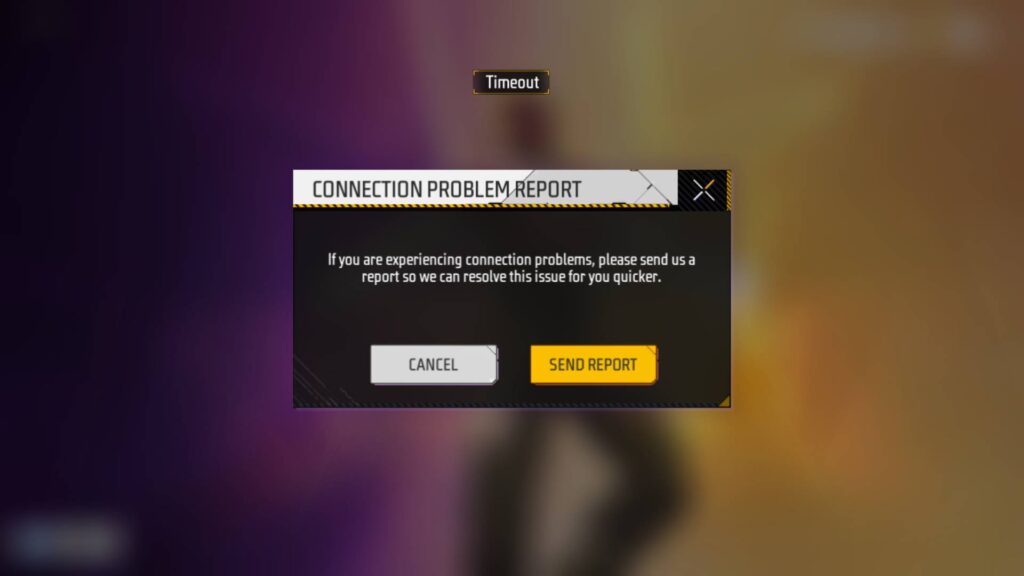
This page explains why FF Kipas may not work, how to identify the cause, and what can realistically be done to fix or improve the situation.
FF Kipas App Not Opening or Crashing
If FF Kipas does not open or crashes immediately after launch, the issue is usually related to system compatibility or restrictions.
Common causes include:
- Android version incompatibility
- Aggressive battery or background restrictions
- Corrupted installation file
- Conflicts with other booster or cleaner apps
What You Can Do
- Ensure your device is running Android 7.0 or higher
- Disable battery optimization for FF Kipas
- Remove other booster or game optimization apps
- Reinstall FF Kipas from a trusted source
If the app continues to crash, the device may not support the optimization method used.
FF Kipas Installed but No FPS Improvement
One of the most common complaints is that FF Kipas installs successfully but does not improve FPS or reduce lag.
This usually happens when performance issues are not caused by background resource usage.
FF Kipas Helps When:
- Lag is caused by background apps
- RAM is under pressure
- FPS drops occur during long sessions
FF Kipas Does Not Help When:
- Internet connection is unstable
- Free Fire servers are lagging
- The device GPU is underpowered
- The phone is overheating
In such cases, FF Kipas cannot override hardware or network limitations.
FF Kipas Not Working on New Android Versions
Newer Android versions apply stricter background process controls.
On Android 10 and above, FF Kipas effectiveness may be reduced unless battery and background restrictions are adjusted manually.
Check: FFKipas for Android Guide
Recommended Checks
- Disable battery optimization for FF Kipas
- Allow background activity
- Avoid force-closing the app during gameplay
On Android 13 and above, results may be inconsistent due to system-level limitations.
FF Kipas Not Working on iOS
FF Kipas has very limited functionality on iOS due to Apple’s system restrictions.
If FF Kipas is not working on iPhone or iPad:
- This is expected behavior
- iOS does not allow deep system optimization
- Performance improvement is not guaranteed
For details, refer to the FF Kipas for iOS compatibility guide.
FF Kipas Not Working on PC or Emulator
When used on PC through an Android emulator, FF Kipas runs inside the emulator, not on Windows itself.
Common emulator-related issues include:
- Disabled hardware virtualization
- Low RAM or CPU allocation
- Outdated emulator version
- Poor emulator graphics settings
In emulator setups, FF Kipas plays a secondary role. Emulator configuration has a much bigger impact on performance.
See the FF Kipas for PC / Emulator guide for realistic expectations.
Conflicts With Other Apps
FF Kipas may not work correctly when combined with:
- Other game boosters
- Cleaner apps
- RAM optimizers
- Cheat or mod tools
Running multiple optimization tools simultaneously often reduces performance instead of improving it.
When FF Kipas Is Simply Not Suitable
FF Kipas is not suitable when:
- Device hardware is extremely weak
- Lag is caused by network instability
- The device is overheating continuously
- Users expect guaranteed performance boosts
In these situations, FF Kipas cannot deliver meaningful results.
What You Should Do If FF Kipas Still Doesn’t Work
If none of the fixes help:
- Stop using FF Kipas
- Focus on system settings and device health
- Avoid installing multiple optimization apps
Using FF Kipas when it provides no benefit only increases instability.
Where to Get Verified Guidance
For official access, updates, and platform-specific guidance, always refer to the main FF Kipas homepage.
For platform behavior:
- FF Kipas for Android – compatibility and usage
- FF Kipas on iPhone and iPad – limitations
- FF Kipas for PC / Emulator – performance reality
Troubleshooting Summary
FF Kipas not working is usually caused by:
- Device limitations
- System restrictions
- Incorrect usage
- Unrealistic expectations
Understanding these factors helps avoid wasted time and frustration.
Disclaimer
This website does not develop, modify, or distribute FF Kipas.
All trademarks belong to their respective owners.
Use third-party applications at your own discretion.