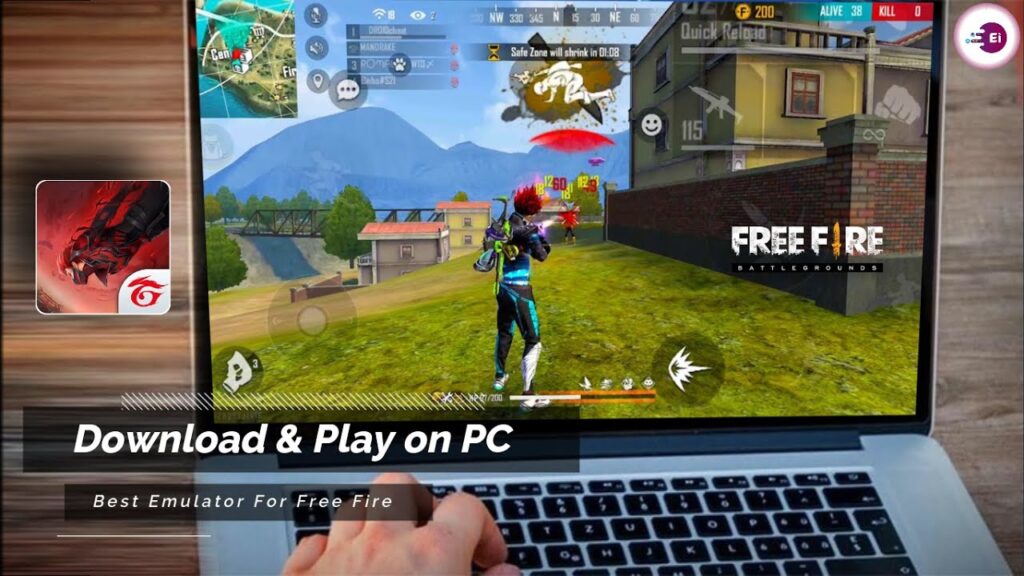
FF Kipas does not run natively on Windows or macOS. PC users can only use FF Kipas by running Free Fire inside an Android emulator environment. In this setup, FF Kipas operates inside the emulator, not on the computer’s operating system itself.
This page explains how FF Kipas works on PC via emulators, what role it actually plays, and what performance improvements PC users should realistically expect.
Learn more how FF Kipas works on Android
How FF Kipas Works on PC Through an Emulator
When using FF Kipas on PC, the application runs inside the Android emulator alongside Free Fire. It does not interact with Windows system processes, CPU scheduling, or GPU drivers directly.
In emulator-based gameplay:
- FF Kipas can manage background apps inside the emulator
- It can help stabilize emulator-level performance
- It cannot override emulator configuration or PC hardware limits
As a result, FF Kipas plays a secondary role compared to emulator settings and system specifications.
Check out our guide for FFkipas ios
Emulator Environment and System Requirements
Performance on PC depends far more on PC hardware and emulator configuration than on FF Kipas itself.
Key factors that influence performance include:
- CPU core count and clock speed
- Available RAM
- GPU capability and driver support
- Hardware virtualization (Intel VT-x / AMD-V)
- Emulator graphics and performance settings
FF Kipas can assist only after these factors are properly configured.
Supported Android Emulators
FF Kipas may function inside popular Android emulators such as:
- BlueStacks
- LDPlayer
- Nox
Results vary depending on emulator version, Android instance type, and system resource allocation. Not all emulators behave the same, even on identical hardware.
Emulator Settings vs FF Kipas – What Matters More
Many PC users expect FF Kipas to fix emulator lag automatically. This is not realistic.
FF Kipas can help when:
- Emulator background apps are consuming resources
- Emulator RAM is under pressure
- Minor FPS drops occur during long sessions
FF Kipas cannot help when:
- CPU or GPU is underpowered
- Virtualization is disabled
- Emulator graphics settings are misconfigured
- PC is overheating or throttling
In most cases, emulator tuning has a larger impact than FF Kipas.
Common Emulator Issues and Misconceptions
PC users often experience performance issues caused by:
- Disabled virtualization in BIOS
- Low RAM allocation to emulator
- Using outdated emulator versions
- Running multiple emulators simultaneously
FF Kipas cannot correct these issues directly.
PC vs Android: Performance Comparison
Android remains the primary and most effective platform for FF Kipas. On PC, the tool functions as a supportive utility, not a primary performance solution.
Users looking for consistent optimization should understand that:
- Android offers direct system-level optimization
- Emulator environments add an extra performance layer
- FF Kipas impact is reduced on PC compared to Android
For direct system optimization, FF Kipas on Android devices provides more reliable results.
Where to Access FF Kipas for Emulator Use
To avoid unsafe or modified versions, FF Kipas should always be accessed from the official source.
➡️ To Download the FF Kipas PC file, visit the FF Kipas official homepage for platform availability and guidance.
FF Kipas PC / Emulator FAQs
Can FF Kipas run directly on Windows or macOS?
No. FF Kipas cannot run natively on PC operating systems. It must be used inside an Android emulator.
Does FF Kipas improve emulator FPS?
FF Kipas may help stabilize FPS inside the emulator, but emulator settings and PC hardware have a much larger impact.
Which emulator works best with FF Kipas?
There is no single best emulator. Performance depends on system configuration, emulator version, and resource allocation.
Is FF Kipas worth using on PC?
FF Kipas can be useful as a secondary optimization tool, but emulator tuning is more important for performance improvement.
Can FF Kipas cause bans when used on PC?
Any third-party tool carries some level of risk. FF Kipas does not modify game files, but risk cannot be eliminated.